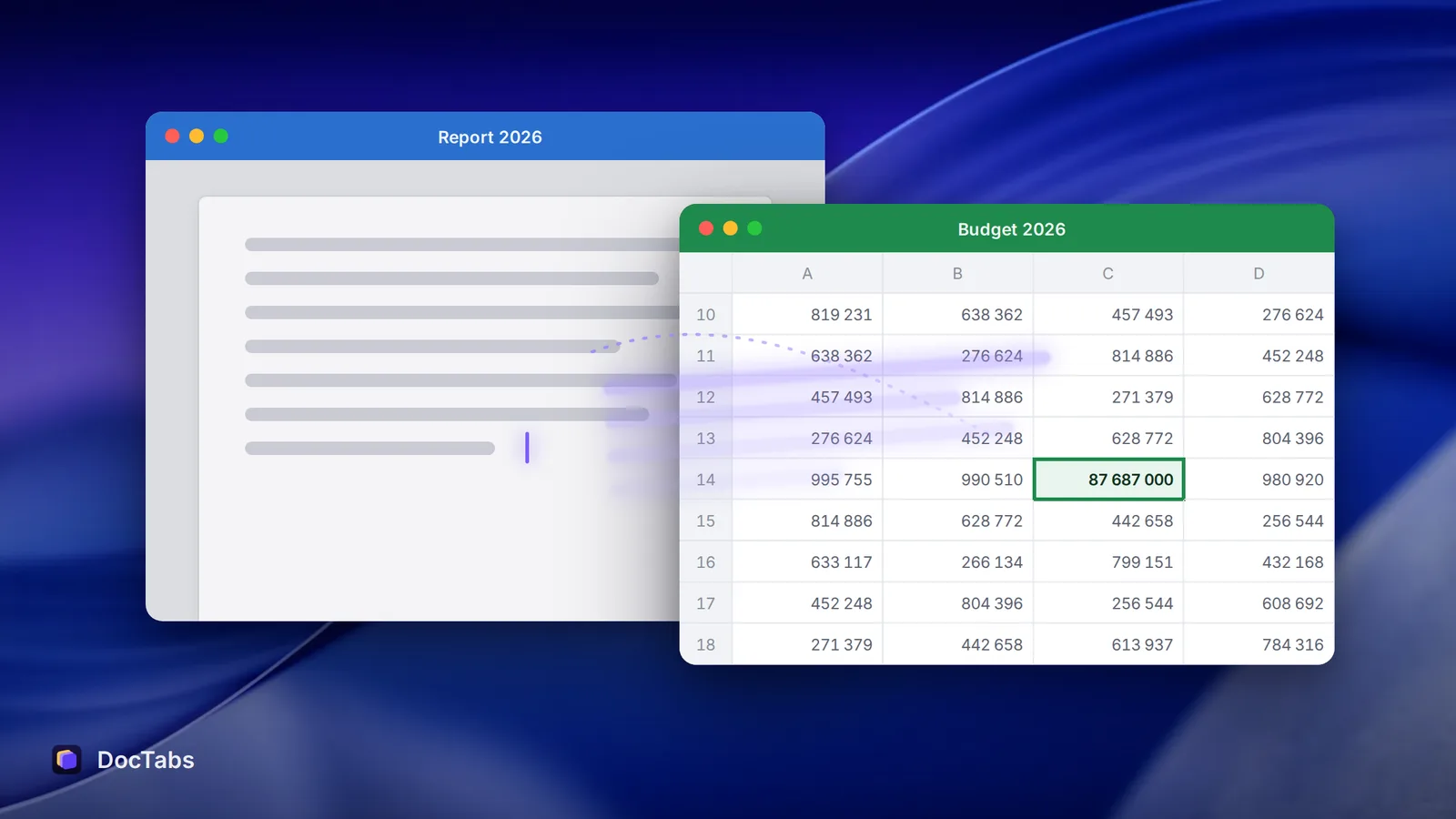
It’s 10:40. The budget is open in Excel, the report in Word, the board deck in PowerPoint. You need one number from the spreadsheet for the second paragraph of the report. So you click Window, run your eye down the list — Report 2026, Report 2026 (1), Report final — pick one, realise it’s the wrong one, and try again.
It takes a few seconds. It feels like nothing. Do it all day, and it isn’t nothing.
Documents are where the work is
For its 2023 Work Trend Index, Microsoft looked at how people spend their time inside Microsoft 365. The average employee spends 57% of it communicating — meetings, email and chat — and the other 43% creating in documents, spreadsheets and presentations.
That 43% is the part of the day most of us would call “the actual work”. It is also the part that gets chopped into the smallest pieces: a figure from here, a paragraph from there, a chart copied into a slide.
1,200 switches a day
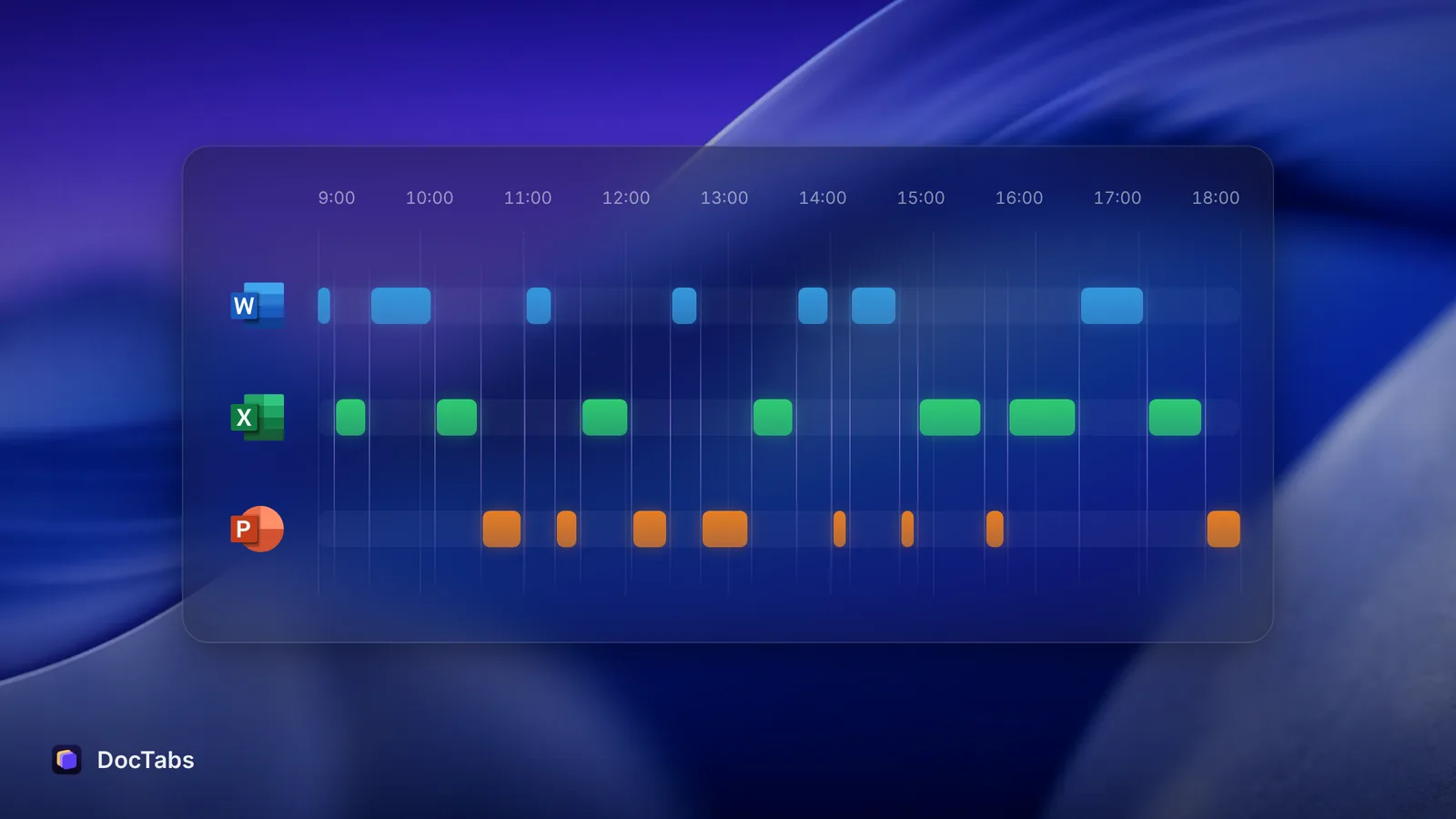
In 2022, researchers writing in Harvard Business Review followed 137 people in 20 teams at three Fortune 500 companies for up to five weeks — about 3,200 working days of data. The average person switched between apps and websites nearly 1,200 times a day.
Each switch took a little over two seconds to get re-oriented. Two seconds sounds harmless. Added up, it came to just under four hours a week, or about five working weeks a year — roughly 9% of their time at work.
Nobody decides to lose five weeks. It happens two seconds at a time.
47 seconds on one screen
Gloria Mark, a professor at the University of California, Irvine, has been timing how long people stay on one screen before switching since the early 2000s. In 2004 the average was about 150 seconds. In her recent measurements it is 47 seconds.
Short visits are not always a problem — sometimes you really do need a number from another file. The trouble is what each hop asks of your memory: where was I, which file was it, what was I about to type?
The long way back
Some switches don’t end where you meant them to. You go looking for the right spreadsheet, notice an email, answer a message, and only then come back.
In a 2005 study, Mark and her colleagues shadowed information workers minute by minute. Most interrupted work — 77% — was picked up again the same day. But on average it took about 25 minutes to get back to it, and people worked on more than two other things in between.
A wrong window is a small interruption. A small interruption is an open door for a bigger one.
A back-of-the-envelope “Window menu tax”
No study has timed the Window menu itself, so here is our own rough estimate. Treat it as a thought experiment, not a finding.
| Window menu | One row of tabs | |
|---|---|---|
| What you do | Open the menu, read the list, pick a name | Click the name |
| Extra time per switch (our guess) | about 3 seconds | — |
Say you jump between documents 60 times in a working day. At about 3 extra seconds each, that is 3 minutes a day. Over 230 working days it adds up to about 11.5 hours a year — close to a day and a half, spent reading the same list of file names.
The bigger cost isn’t the seconds, though. It’s the moment of doubt: is this the right “Report 2026”?
Getting the time back
A few habits make the gaps smaller, with or without any app:
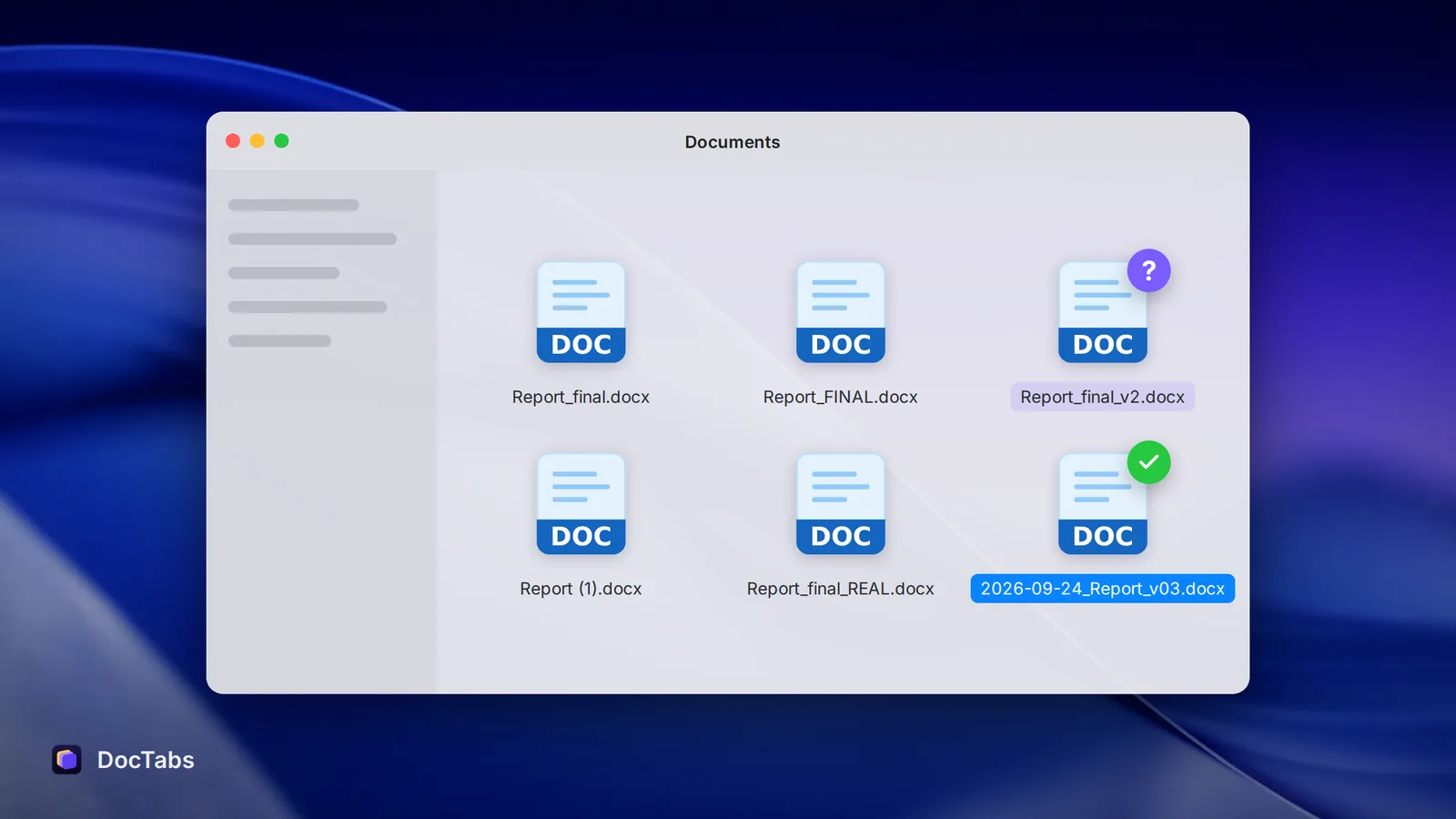
- Give files names you can tell apart. “Report — Finance” beats “Report (1)”. You read the name, not the folder it lives in.
- Close what you’re done with. Every extra window is one more name to scan.
- Batch your lookups. Collect the numbers you need in one visit instead of five.
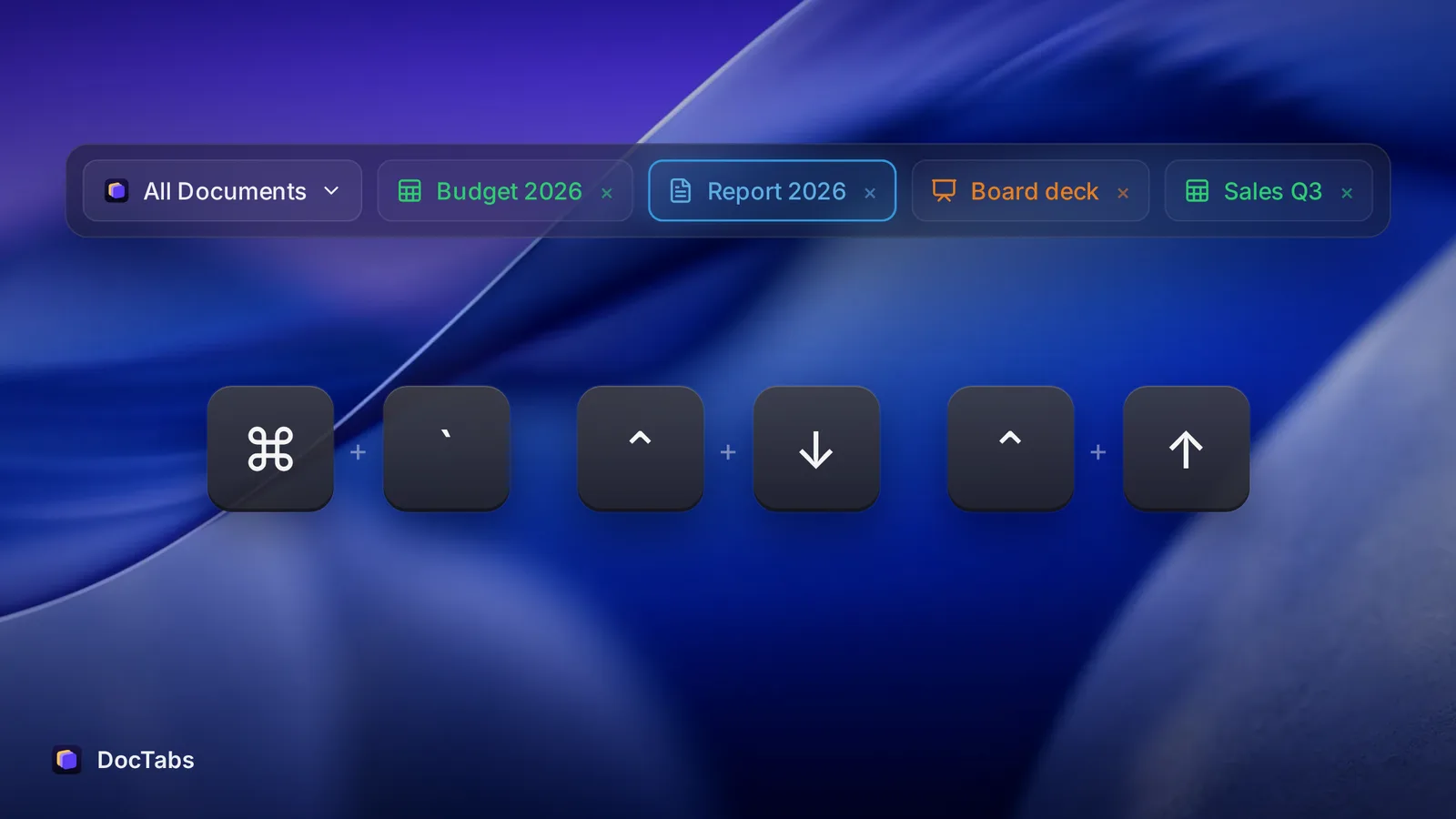
- Use ⌘ ` (Command + backtick). On a Mac it cycles through the windows of the app in front — quicker than the menu when there are only two or three.
- Keep every open document in sight. That’s why we made DocTabs: all your open Word, Excel and PowerPoint files in one row of tabs, one click to bring any of them to the front, and files with the same name show their folder.
Five weeks a year is a lot of time to lose two seconds at a time. The good news is that it comes back the same way — two seconds at a time.
Sources
- Rohan Narayana Murty, Sandeep Dadlani and Rajath B. Das, “How Much Time and Energy Do We Waste Toggling Between Applications?”, Harvard Business Review, 29 August 2022.
- Microsoft, “Will AI Fix Work?” — 2023 Work Trend Index, 9 May 2023.
- Gloria Mark, Attention Span (2023), and “How to sharpen your attention and meet your goals in 2024”, University of California, 2 January 2024.
- Gloria Mark, Victor M. González and Justin Harris, “No Task Left Behind? Examining the Nature of Fragmented Work”, CHI 2005.