Save time
A few seconds every switch. Dozens of switches a day. DocTabs turns each one into a single click.
 Just released: v1.0.0
Every Word, Excel and PowerPoint file you have open. One click away.
Every switch between files costs a few seconds and a little focus. Open the Window menu. Scan the list. Find the window. Do that fifty times a day and it quietly eats your time and energy. DocTabs puts every open document in one row of tabs. One click, and you’re back to work.
DocTabs is made for the Mac. Open this page on your Mac to download it.
Free forever. No subscription.macOS 13 or laterApple Silicon & Intelv1.0.0
Why DocTabs
You switch between documents more often than you think. Each switch is small. Together, they shape your whole day.
A few seconds every switch. Dozens of switches a day. DocTabs turns each one into a single click.
Digging through menus drains your attention. With every file in plain sight, there’s nothing to remember and nothing to search for.
Stay in the flow from the first file to the last. Less time between documents means more time inside them.
How it works
Word, Excel and PowerPoint each keep their open files to themselves. DocTabs brings them together in one row, so moving between them feels like turning the pages of one project.

A contract, a report, the draft you’re revising. Each in its own window. All in one row.

Excel gives tabs to the sheets inside a workbook. DocTabs gives tabs to the workbooks themselves, so you go from budget to payroll without losing your train of thought.
Your deck, last week’s version, the template you borrow slides from. Go straight to the right one, even minutes before you present.
Features
Click a tab and that document comes to the front. No Window menu, no Mission Control, no guessing. Your hand stays on the mouse and your mind stays on the task.
Every open document, workbook and presentation gets its own tab. Two files called Report? DocTabs shows their folders, so you open the right one the first time.
Double-click a tab and its × becomes a magnifying glass. Click it, and Finder opens the folder with your file already selected. Five seconds later, the × is back.
The bar appears the moment Word, Excel or PowerPoint comes to the front, and steps aside when you move to anything else. Nothing to manage, nothing in your way.
Copying figures from a browser into Excel? Pin the bar and it stays on screen over any app, with your documents one click away. Pinned, it wears the color of the Office app you last used.
Show just Excel, just Word or just PowerPoint, or see everything in one row. The menu even tells you how many files each app has open.
Drag tabs into the order that matches how you work, and DocTabs remembers it. Done with a file? Close it right from its tab.
Drag the bar anywhere and size it with the grip. It never slips off the screen: let go past an edge and it glides back in. Your first tab always stays in full view.
Need every pixel? Click « and the bar folds into a small DocTabs logo. Click the logo, and your tabs are back.
DocTabs reads only the names and locations of your open documents, and only to show them as tabs. It never opens, changes or sends what’s inside. No account. No sign-in.
Languages
DocTabs comes in 9 languages. Choose System Default and it follows your Mac’s language, which is how new installs start.
 English
 Deutsch
 Español
 Français
 Монгол
 Русский
 日本語
日本語 한국어
한국어 简体中文
简体中文Everything included
macOS · Word, Excel, PowerPoint
Free
One app for Word, Excel and PowerPoint. Unlimited tabs. Nothing to unlock, nothing to buy.
DocTabs uses only the names and locations of your open documents to show them as tabs. It never opens, changes or sends what’s inside, and everything stays on your Mac.
What you need
Microsoft Word, Excel or PowerPoint for MacFree forever. No subscription.macOS 13 or later
FAQ
DocTabs is a small Mac app for anyone who works with lots of Word, Excel and PowerPoint files at once. It lists every open document as a tab in one bar, and clicking a tab brings that file straight to the front. No more digging through the Window menu and losing your train of thought.
Yes. DocTabs is free and will stay free: no subscription, no trial, no in-app purchases. Use it for anything, on as many Macs as you like. If it earns a place in your day, you can support its development: click the DocTabs icon in the menu bar and choose Support DocTabs….
No. One DocTabs covers all three. By default, the bar shows the files of the app you’re working in. Choose All Documents from the bar’s menu to see Word, Excel and PowerPoint files side by side in one row.
macOS asks for your permission whenever one app works with another. It’s a standard privacy safeguard. DocTabs uses it only to list your open documents, bring the window you pick to the front and close files from their tabs. If you skipped it, click Open Settings in the bar, or allow DocTabs in System Settings → Privacy & Security → Automation.
DocTabs uses only the names and locations of your open documents to show them as tabs. It never opens, changes or sends what’s inside, and everything stays on your Mac.
No personal data, ever. Once a day DocTabs sends an anonymous “active” signal so we can count how many people use it. It holds only a random install ID, the app and macOS versions and the app language. It never includes file names or contents, and your IP address is not stored. To turn it off, click the DocTabs icon in the menu bar and choose Settings → Share Anonymous Usage Data.
The bar shows up while you work in Word, Excel or PowerPoint and steps aside when you move to another app, so it never gets in your way. Want it everywhere? Click the pin button (Always Show) on the bar, and it stays on screen whichever app you switch to.
The bar normally appears only while Word, Excel or PowerPoint is in front, so switch to one of them first. Still nothing? Click the DocTabs icon in the menu bar and choose Show Bar or Reset Bar Position. If the bar is folded into a small logo, click the logo and your tabs are back. And if the icon isn’t in the menu bar, open DocTabs again from your Applications folder.
No need to worry. If the file has unsaved changes, Word, Excel or PowerPoint asks whether to save them, just as usual.
Not if you set it once. Click the DocTabs icon in the menu bar and turn on Settings → Launch at Login. DocTabs will then open by itself every time you log in.
You don’t need to do a thing. DocTabs checks for new versions on its own and asks before installing. To check right away, click the DocTabs icon in the menu bar and choose Check for Updates….
Nine: English, German, Spanish, French, Mongolian, Russian, Japanese, Korean and Simplified Chinese. By default it follows your Mac’s language. To pick one yourself, click the DocTabs icon in the menu bar and choose Settings → Language.
Not yet. DocTabs runs on the Mac today, and a Windows version is in the works. Once it’s ready, you’ll be able to download it right here.
Questions, ideas, or something not working right? Write to us. We read every email carefully.
support@doctabs.appDocTabs is free. If it gives you back a few minutes a day, a small donation helps it keep growing.
DonateEvery version, and what it brought. v1.0.0
ChangelogBlog
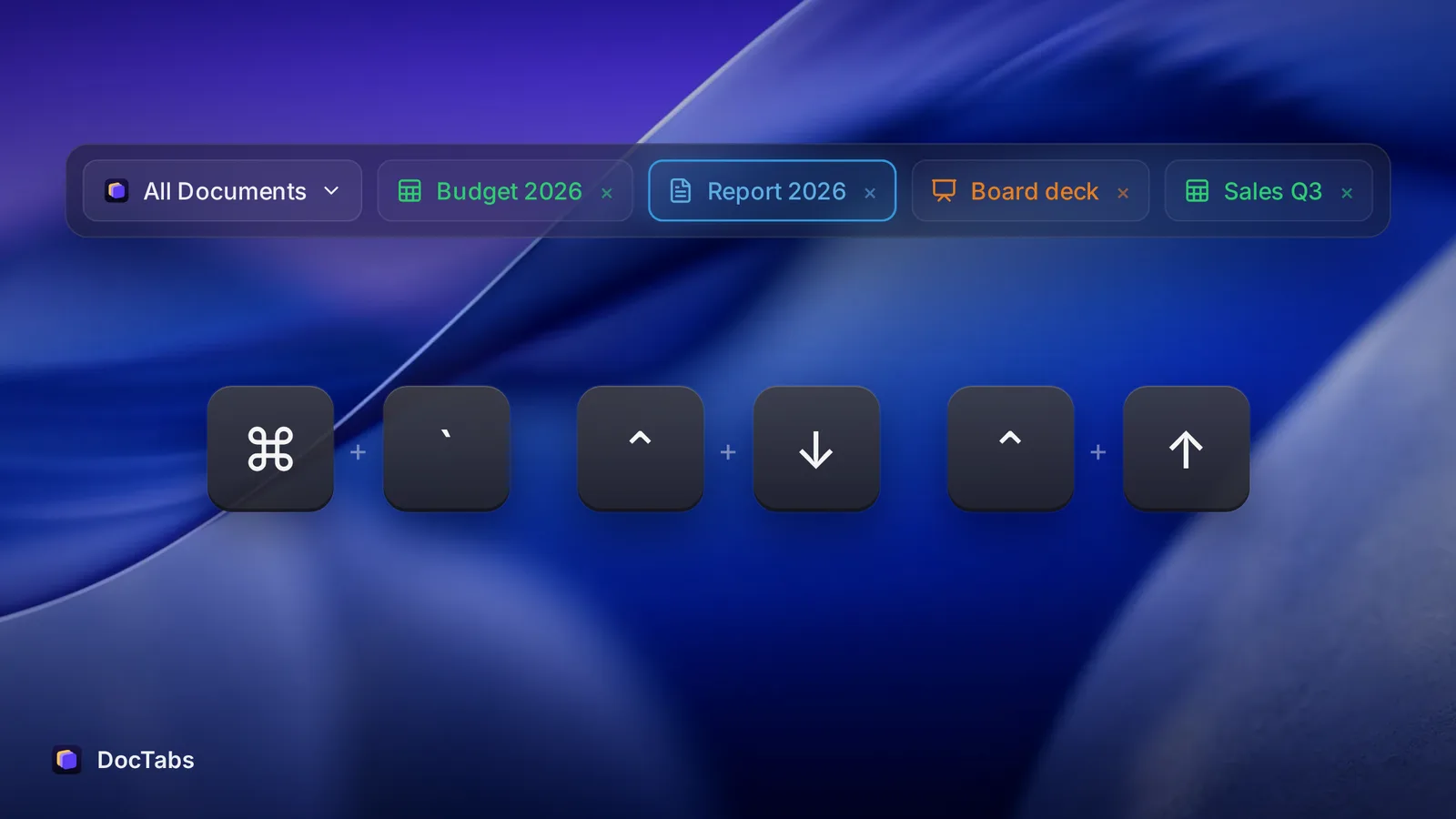 Five ways to juggle Word, Excel and PowerPoint windows on a MacThe Window menu, Command + backtick, application windows, Mission Control and Stage Manager all move you between documents. Here is how each one works, what it is good at, and where it falls short.Read more
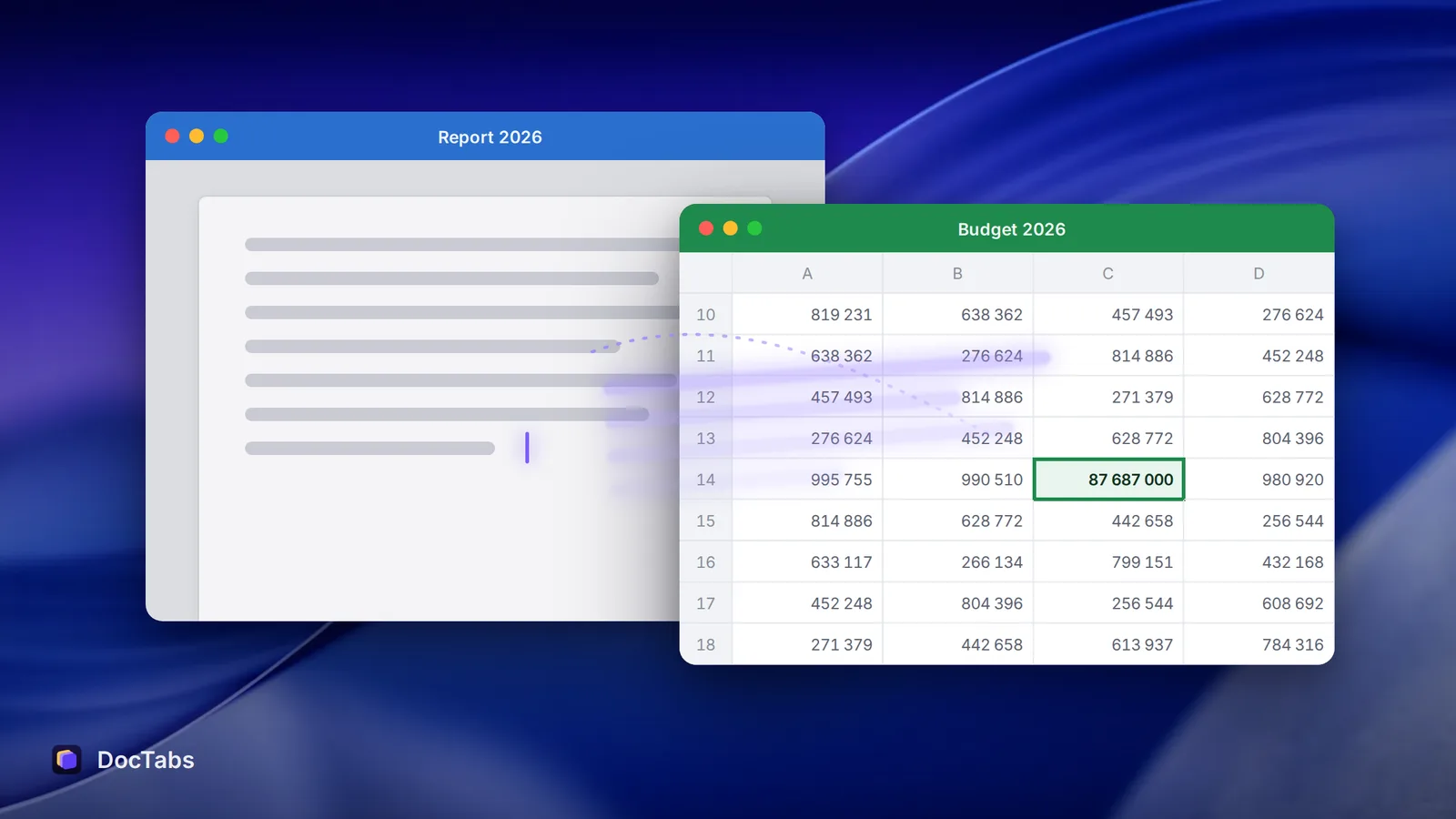 Attention residue: why your mind stays in the last documentYou switched to the spreadsheet, but part of your head is still in the report. Researchers call it attention residue. Here is what causes it, and a one-minute habit that helps.Read more
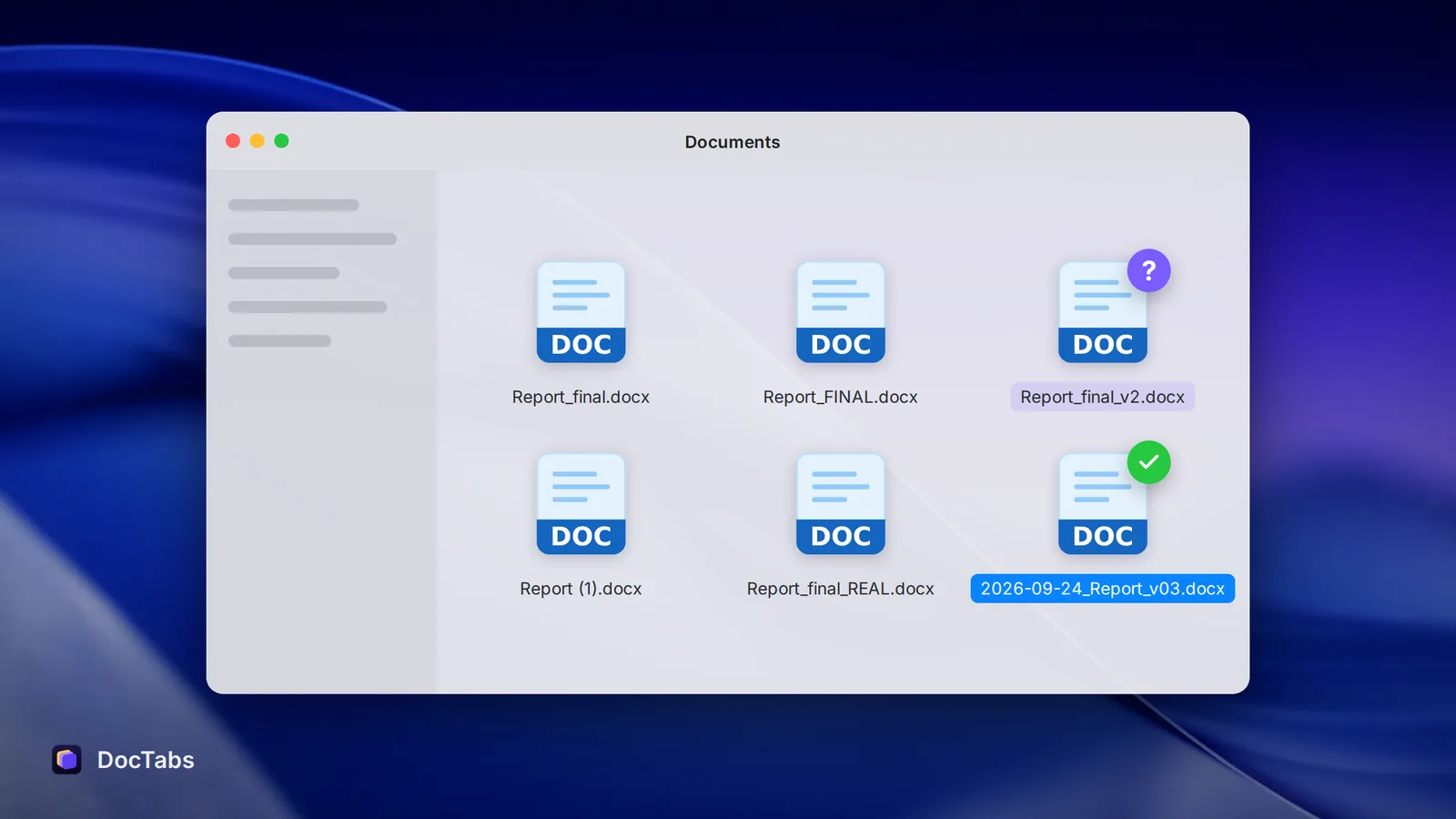 Report_final_FINAL_v2.docx: why file names quietly cost you timeTwo files called “Report 2026”. Three called “final”. Here is why the names we give our documents slow us down, and a simple naming pattern that fixes it.Read more