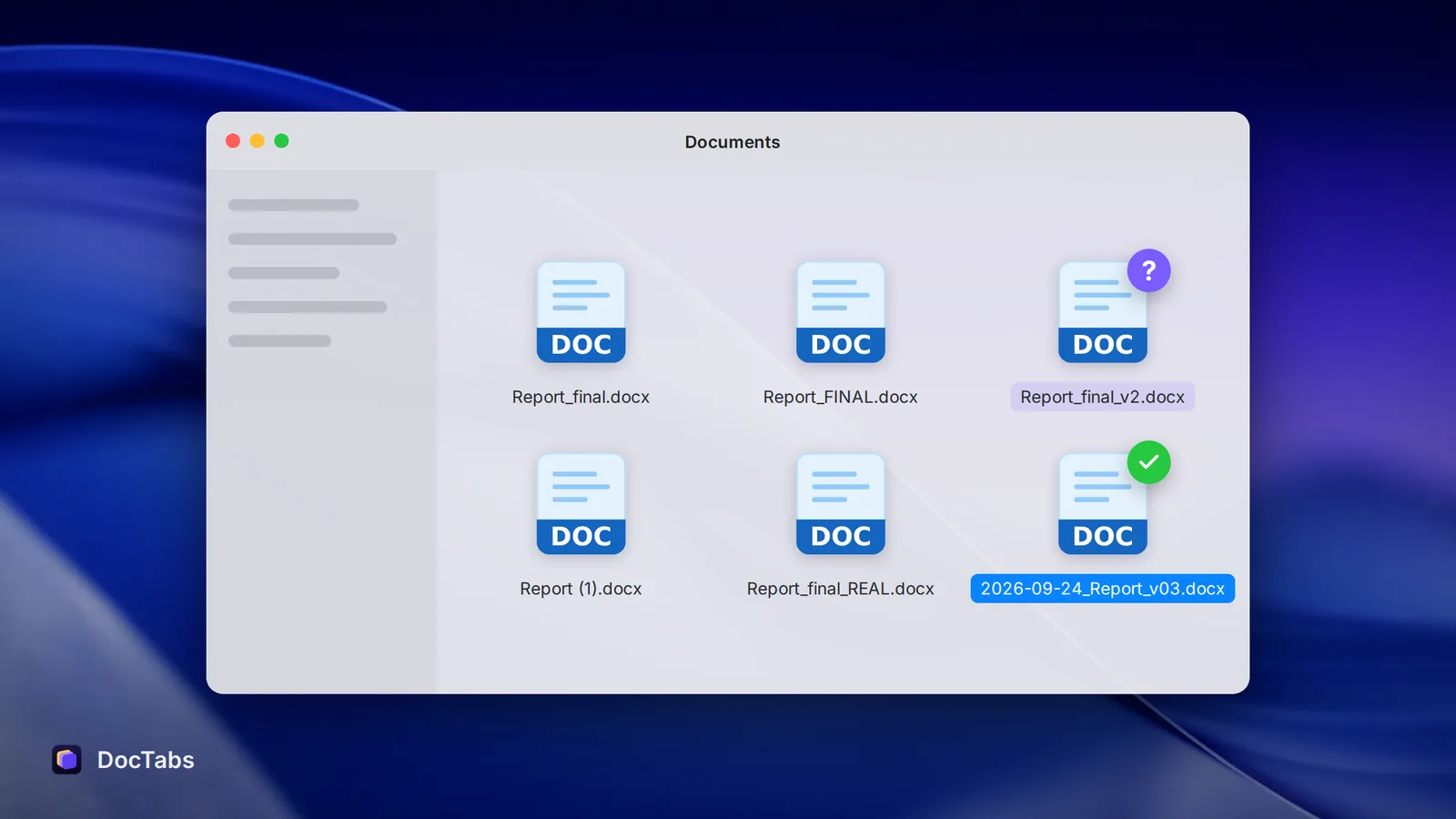
Every office has one. Somewhere on a shared drive there is a file called Budget_final_v3_REAL.xlsx, sitting next to Budget_final_v3.xlsx and Budget_final (1).xlsx. Nobody is quite sure which one the boss approved.
It’s a running joke. It’s also a small, daily tax on everyone who has to open the right one.
“Final” is never final
The word final works exactly once. The moment someone asks for one more change, you have two finals — and the word stops meaning anything. What follows is a familiar escalation: final2, FINAL, final_really, final_use this one.
The problem isn’t that people are careless. It’s that “final” describes a feeling about a file, not a fact about it. A date or a version number is a fact.
The cost of looking
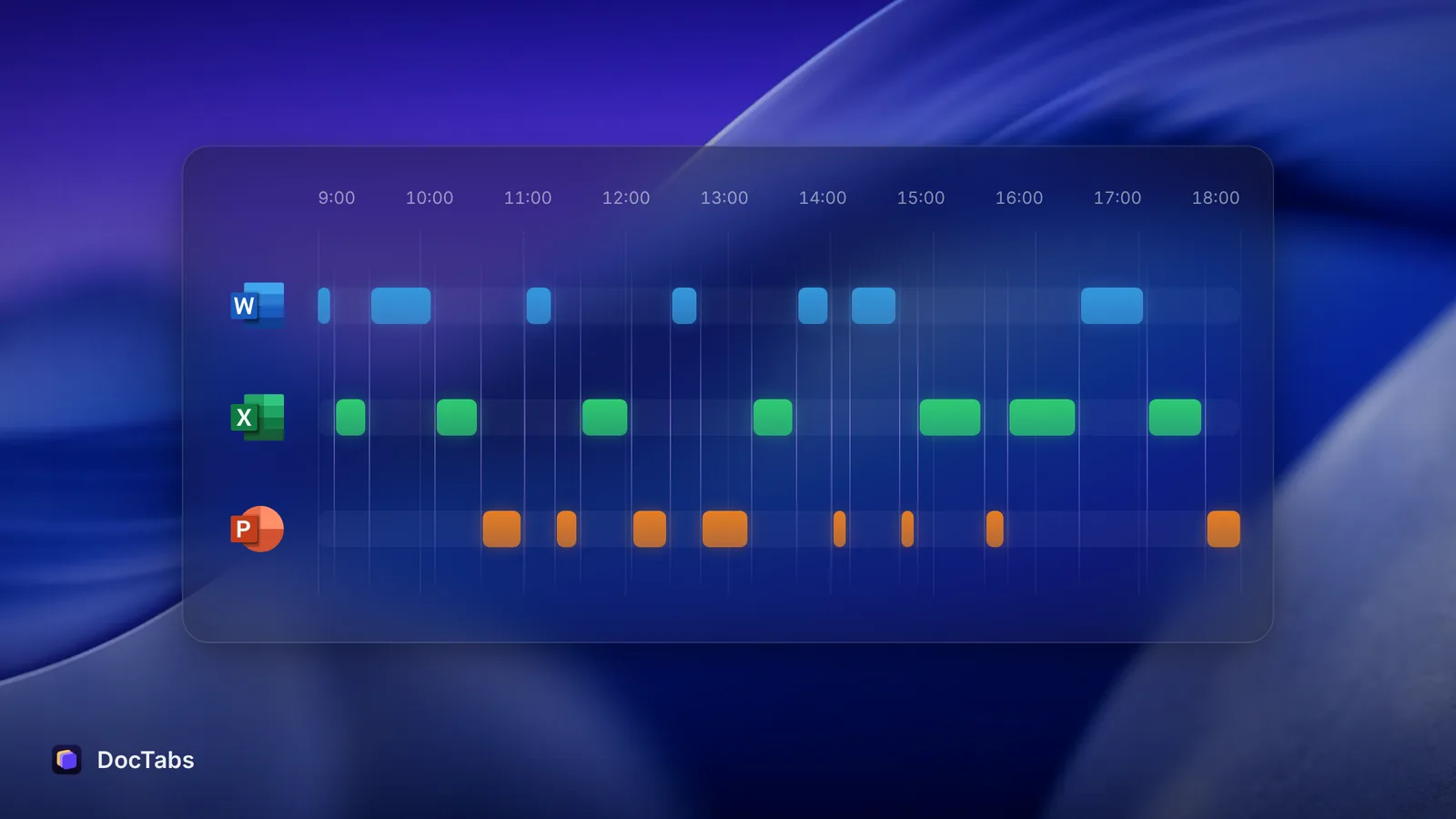
In a 2012 study of how “interaction workers” — managers and professionals — spend their week, the McKinsey Global Institute estimated that they spend 28% of the week on email and nearly 20% looking for internal information or tracking down the colleague who can help.
Not all of that is hunting for the right file, of course. But every vague name adds to it: you open the wrong version, check the date, close it, open the next one.
Same name, different folder
Some of the most confusing names aren’t vague at all. Report 2026.docx is a perfectly good name — until the finance team and the sales team both have one, and you have both open.
In Word’s Window menu they look identical. Two lines, same words. The only way to tell them apart is to open one and read.
A naming pattern that works
Research data teams deal with thousands of files, so they’ve thought hard about this. Harvard Medical School’s data management guide recommends a few simple rules:
- Put the date first, as YYYYMMDD or YYYY-MM-DD. Files then sort in time order on their own, and there’s no confusion between 03/04 and 04/03.
- Add a version number at the end, like v01, v02. Two digits, so v10 sorts after v09.
- Skip spaces and symbols. Use a dash or underscore between words instead of a space, avoid symbols such as @, #, $, % and &, and keep names to about 40–50 characters.
- Say what it is. Project, what the document is, whose it is.
Here is what that looks like in practice:
| Before | After |
|---|---|
| Budget_final_v3_REAL.xlsx | 2026-09-24_Budget-Q4_v03.xlsx |
| Report (1).docx | 2026-09_Report-Finance_v02.docx |
| Pitch NEW.pptx | 2026-09-30_Pitch-Board_v01.pptx |
You don’t need to follow it perfectly. Even just date first, version last removes most of the guessing.
When names still collide
Sometimes two files really should share a name — the same template in two folders, the same report for two teams. That’s why DocTabs shows the folder next to any open files that share a name, so Report 2026 — Finance and Report 2026 — Sales are never the same line twice.
A good name answers the question before you ask it. Which one is this? should never need an open file to answer.
Sources
- Harvard Medical School, “File Naming Conventions”, Data Management.
- McKinsey Global Institute, “The social economy: Unlocking value and productivity through social technologies”, July 2012.