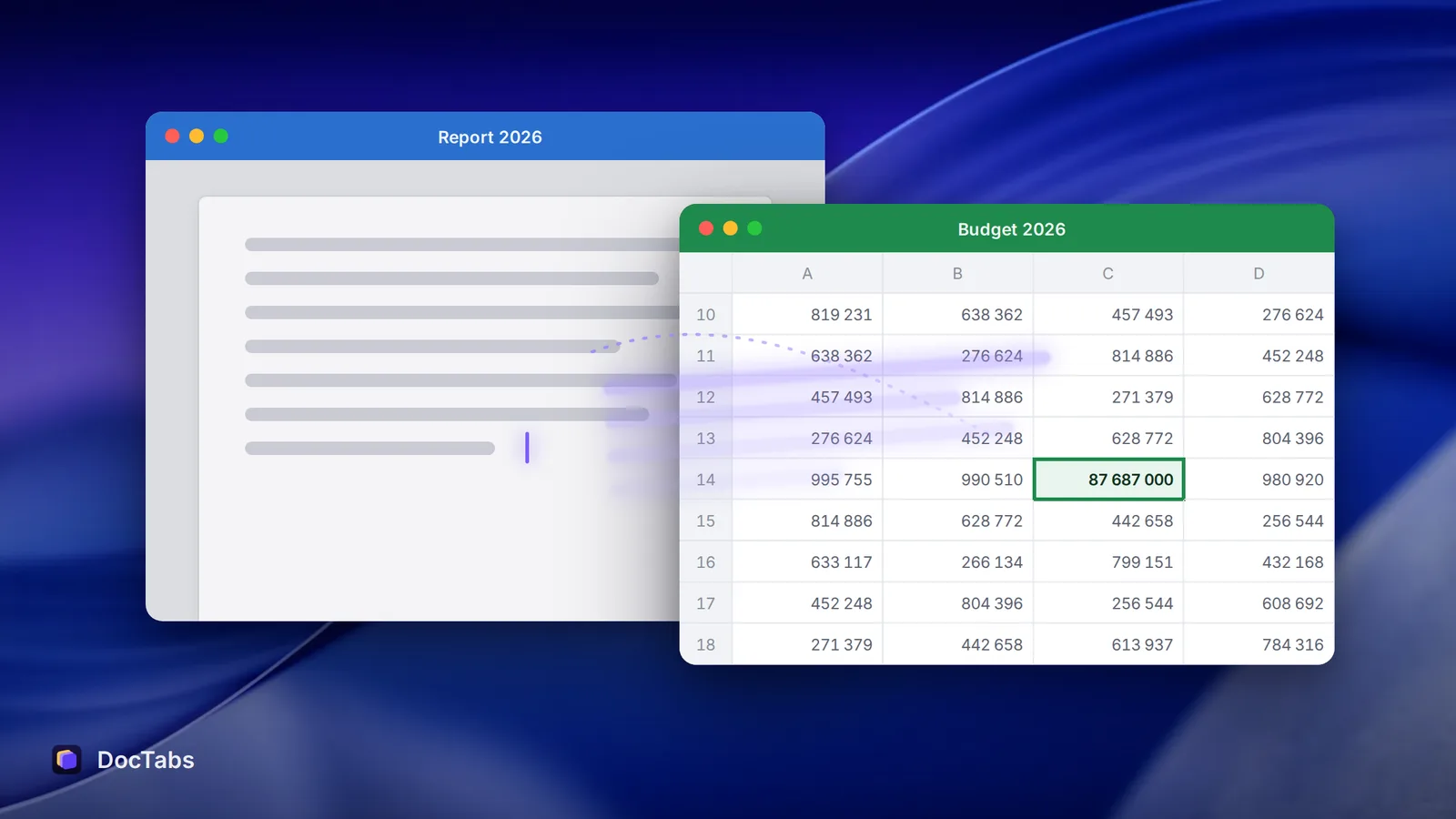
You leave the report in the middle of a sentence to grab one number from Excel. The number is right there, in row 14. You read the row twice anyway.
Your eyes are in the spreadsheet. Your mind is still finishing the sentence you left behind.
It has a name
In 2009, Sophie Leroy, a business-school researcher now at the University of Washington Bothell, published a paper with a question for a title: “Why is it so hard to do my work?” Her answer was a new term — attention residue.
Across two experiments, she found that people need to stop thinking about one task to fully move their attention to the next one. When the first task was left unfinished, that was hard to do — and their performance on the next task suffered.
Switching windows takes a second. Switching your mind takes longer.
Finishing isn’t enough
The surprising part came next. Simply finishing the first task didn’t clear the residue on its own. What helped people let go was finishing it under a bit of time pressure — a clear end point that told the brain this is done, move on.
Most office work doesn’t come with that. A report is never quite done; a spreadsheet always has one more column to check. So we switch with loose ends, and the loose ends come with us.
Why documents are especially sticky
A half-written paragraph is almost designed to leave residue. You know what the next sentence should say. You haven’t said it yet. Now you’re reading a spreadsheet with that sentence still hanging in the air.
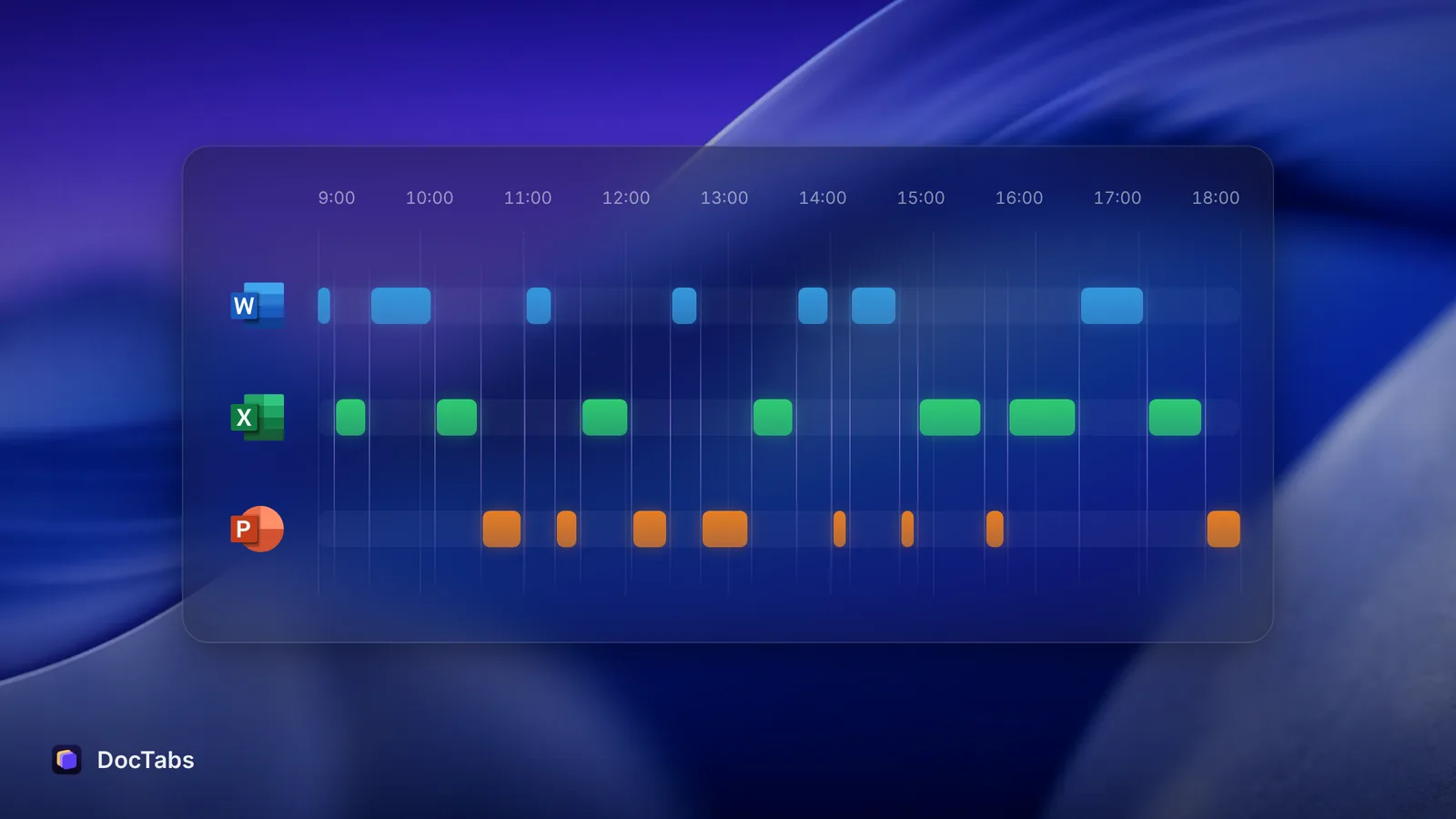
Each switch between documents is a tiny interruption of the one you left. Do it dozens of times a day, and you are never fully in any of them.
The one-minute fix
In 2018, Leroy and Theresa Glomb tested a simple remedy across four studies, including a survey of 202 working professionals and lab experiments with interrupted tasks. They called it a ready-to-resume plan: before you switch, take about a minute to write down
- where you stopped,
- what comes next, and
- anything you’ve had to put off.
People who made a plan like this showed less attention residue and did better on the interrupting task — they made better decisions and remembered more of what they read.
It works because it gives your brain the “done for now” signal that unfinished work never sends. The thought is safely parked, so you can stop holding it.
Making it a habit in Word, Excel and PowerPoint
You don’t need a special tool. A few ways that fit into the apps you already use:
- Leave a note in the document itself. A comment at your cursor — “next: add Q3 numbers from Budget, then fix intro” — is a ready-to-resume plan that waits exactly where you’ll return.
- Type the next sentence badly. Half a sentence in grey or brackets beats a blank line. It tells future-you where the thought was going.
- Group your lookups. If you need five numbers from the spreadsheet, go once and bring back all five.
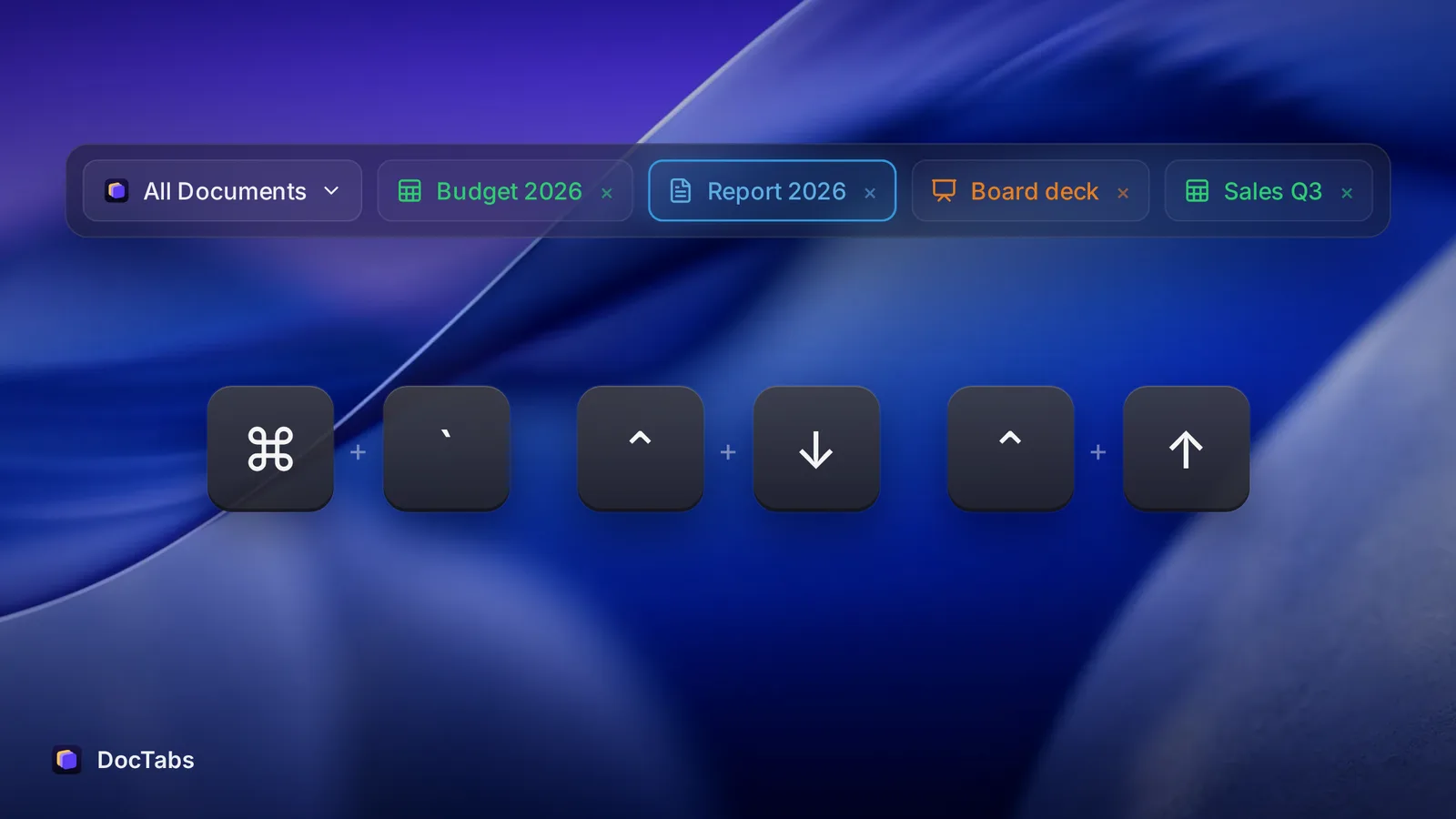
- Make the switch itself small. The fewer steps between documents, the less room there is for a detour. That’s the idea behind DocTabs: every open Word, Excel and PowerPoint file in one row, one click to the right one — no menu to read, no wrong window to back out of.
You can’t avoid switching. But you can leave each document the way you’d leave a room you’re coming back to: lights on, and a note on the table.
Sources
- Sophie Leroy, “Why is it so hard to do my work? The challenge of attention residue when switching between work tasks”, Organizational Behavior and Human Decision Processes, 109(2), 168–181, 2009.
- Sophie Leroy and Theresa M. Glomb, “Tasks Interrupted: How Anticipating Time Pressure on Resumption of an Interrupted Task Causes Attention Residue and Low Performance on Interrupting Tasks and How a ‘Ready-to-Resume’ Plan Mitigates the Effects”, Organization Science, 29(3), 380–397, 2018.
- University of Washington, “Task interrupted: A plan for returning helps you move on”, 16 January 2018.